10 Best IPS LCD Displays for Buyers in 2026
Choosing among the 10 Best Ips Lcd Displays for Buyers in 2026 takes more than comparing resolution or screen size. An Ips Lcd Display can offer broad viewing angles and consistent colors, but panel quality varies. Check measured brightness, contrast, response time, color coverage, and uniformity. Look for independent test results, not just a bright box claim.
Display analyst Raymond Soneira is known for detailed screen testing. A practical takeaway from that approach is: “Judge the whole image, not one impressive specification.” That is the rule behind this guide. A 27-inch monitor with sharp text may suit office work, while a brighter panel may be better beside a sunny window. For photo editing, color accuracy and calibration options matter more than a gaming label. Small details count.
The rankings consider these trade-offs alongside connectivity, stand adjustment, warranty terms, and price. They also distinguish manufacturer claims from measured performance wherever reliable test data is available. No shortlist fits every desk. Some specifications are difficult to compare, and even strong panels can show uneven backlighting. That part gets overlooked. Use the picks as a starting point, then match the screen to your room, workload, and budget.
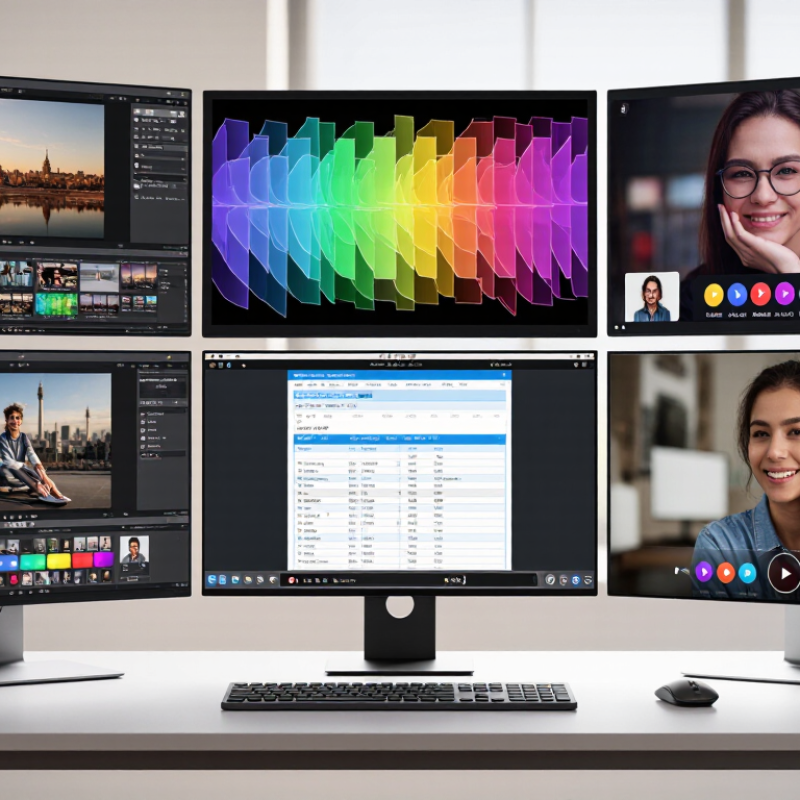
Understanding IPS LCD Technology and Its Core Features
IPS, or in-plane switching, describes how liquid-crystal molecules move within a plane when voltage is applied. This arrangement helps preserve color and brightness as viewers shift sideways. The International Committee for Display Metrology’s Information Display Measurements Standard (IDMS) treats viewing angle as a measured performance characteristic, not just a marketing label. Many IPS module specifications list viewing angles near 178 degrees, but results depend on contrast thresholds and test conditions. A number alone can mislead.
Color consistency is useful for shared screens, photo review, and office work. Yet IPS does not guarantee accurate color, deep blacks, or high contrast. Panel calibration, backlighting, and surface coatings matter too. IEC 61747-30-1 outlines optical measurement methods for LCD modules, including luminance and chromaticity. Check those measurements alongside resolution and refresh rate. Look for uniformity data. Small corner brightness differences can show clearly on a pale gray screen. I still find this easy to overlook. Real rooms matter: overhead lights can create reflections, while low brightness may make shadows harder to distinguish. Compare stated specifications under similar conditions, and treat broad viewing-angle claims with care.
How to Evaluate IPS LCD Displays for Buyers in 2026
How to Evaluate IPS LCD Displays for Buyers in 2026
Start with the conditions where the display will work. A bright shop window needs more screen luminance than a dim control room. Check the specified brightness, then view a sample under similar lighting. IPS panels often retain color at wide angles, but “wide” does not mean identical from every position. Look from the side and above. Watch for washed-out colors, uneven backlighting, or distracting reflections.
Match the display’s resolution and size to the viewing distance. Small text on a large, low-resolution screen can look rough. Check color coverage if your work depends on accurate images, and ask how measurements were made. Response time matters for moving content, while contrast affects how dark scenes appear. Compare samples using the same image and settings. Specs help, but they can hide trade-offs. I sometimes overvalue a crisp demo image; real rooms are less forgiving. Also confirm the connectors, mounting method, operating temperature, and warranty terms before ordering.
Tips: Bring a familiar test image. Check gray screens for bright patches. Ask for a sample unit. Recheck it after an hour of use.
10 Best IPS LCD Displays for Buyers in 2026 — How to Evaluate IPS LCD Displays
Compare these common IPS LCD size-and-resolution configurations by pixel density. Higher PPI generally means finer detail at the same viewing distance; it is one evaluation factor, not an overall quality ranking.
How to read this chart: Pixel density (PPI) is calculated from each configuration’s diagonal size and resolution. Also consider brightness, contrast, color coverage, refresh rate, viewing angles, and intended use when choosing a display.
Ten IPS LCD Displays Worth Considering in 2026
Ten IPS LCD displays worth considering in 2026 should serve different desks, budgets, and workloads. Grand View Research estimated the global LCD panel market at USD 148.5 billion in 2023, reflecting the technology’s continued scale. Market size alone does not predict image quality, though. Compare measured brightness, contrast, response time, and color coverage, not just resolution. Look for independent testing with stated methods; manufacturer specifications are not the whole story.
Consider a 24-inch FHD office screen, a 27-inch QHD all-rounder, a 27-inch 4K photo display, a 32-inch 4K workspace, and a 34-inch ultrawide. Add a 16:10 productivity panel, a 15.6-inch portable screen, a 27-inch high-refresh gaming display, a height-adjustable 24-inch model, and a USB-C display with charging. Match pixel density to viewing distance: 4K on a small screen can make text tiny without scaling. Check the stand. A bright panel is less useful if glare washes out the image beside a sunny window. IPS also has limits: dark scenes may look gray in a dim room, and sample-to-sample uniformity can vary. One review is not enough. Compare several.
Matching an IPS LCD Display to Your Needs and Budget
Matching an IPS LCD display to your needs starts with where and how you will use it. For office work, clear text and comfortable viewing angles may matter more than a fast refresh rate. A 24-inch, 1080p screen often keeps documents readable without stretching a modest budget. Small desk? Measure it first.
For photo editing or detailed design, compare resolution, color coverage, and factory calibration claims. A wider color range is useful only when your software and workflow support it. Ask for measured test results when available; published specifications do not always tell the whole story. Color accuracy can also shift with brightness and settings. That part is easy to overlook.
For gaming or scrolling, check refresh rate and response-time testing, not just the largest number on the box. For a sunny room, look for higher brightness and a matte surface, then consider whether glare remains visible from your usual seat. Touch, ports, stand adjustment, and warranty support can justify spending more. But not always. A cheaper panel may suit a secondary display, while a dependable stand can matter every day. If possible, view the screen at your intended brightness before buying; comfort is personal, and a specification sheet cannot judge your eyes.
